JumpMarkers logo

Never lose the good part.

Save any moment with one keystroke. Organize with folders, tags & subtopics. Navigate your markers without ever switching tabs.

⬇ Add to Chrome — Free View Premium → $5 lifetime
Q Quick marker
A Previous
S Next
Rain Sounds on Window · Heavy Rain for Sleep…
+ ADD
BROWSE
📁 FOLDERS
Current Time 6:47:32
MARKER NAME
Rain Sounds on Window — Heavy Rain for Sleep, Study…
FOLDERS
Type to search or create folder…
Save Marker
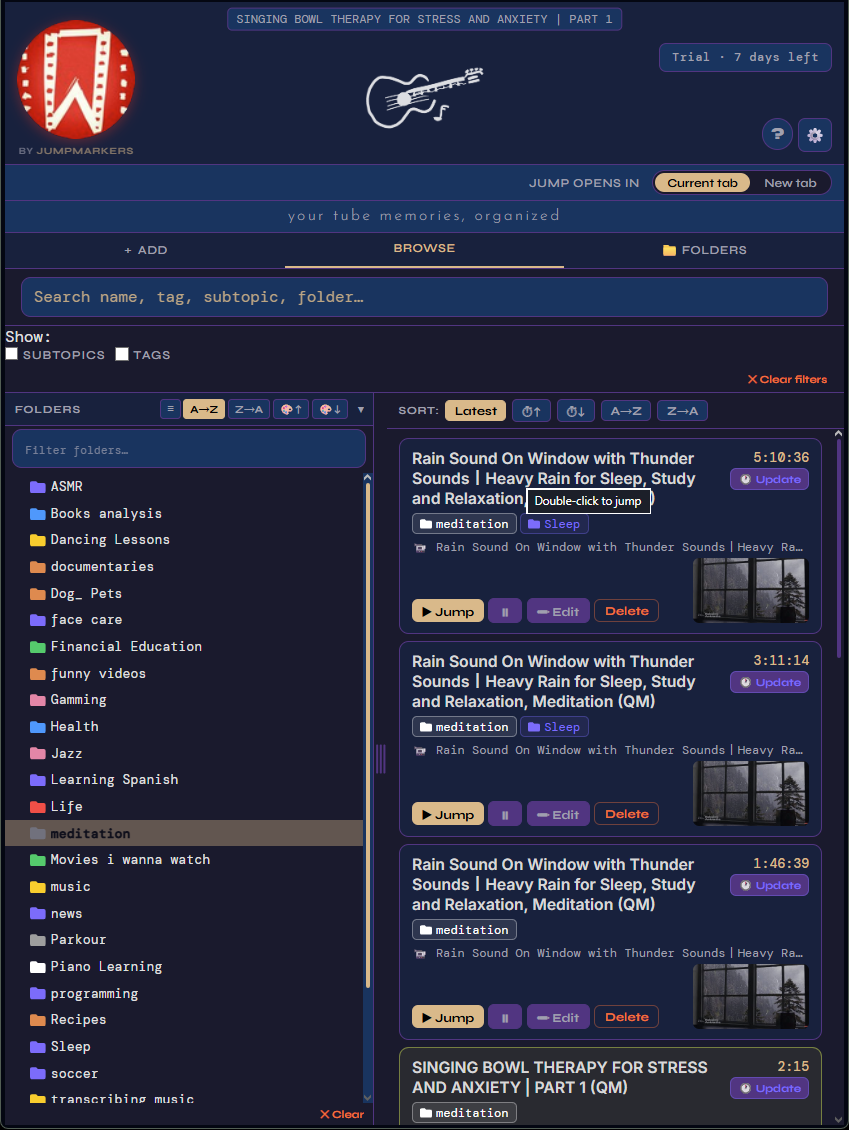
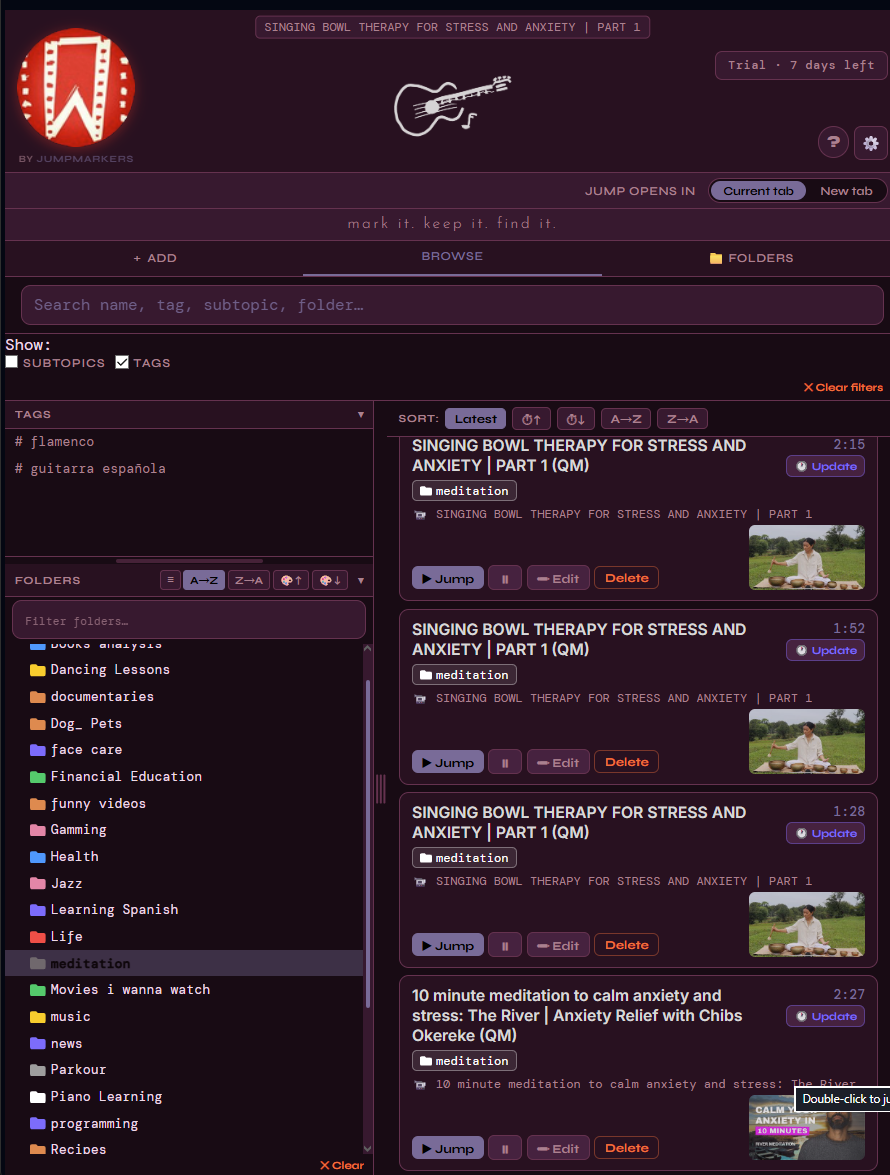
JumpMarkers Browse view JumpMarkers Folders view JumpMarkers Tags view JumpMarkers Settings JumpMarkers Search JumpMarkers Fancy theme JumpMarkers Browse view JumpMarkers Folders view JumpMarkers Tags view JumpMarkers Settings JumpMarkers Search JumpMarkers Fancy theme

Built for people who learn, research, and revisit content on YouTube every single day.

🔖

Instant Markers

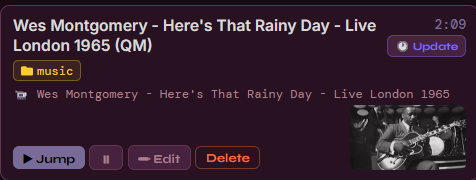
Press Q on any YouTube video to save the exact moment — auto-named from the video title, with your current tags and folder already applied.

Instant marker card Marker added toast
📁

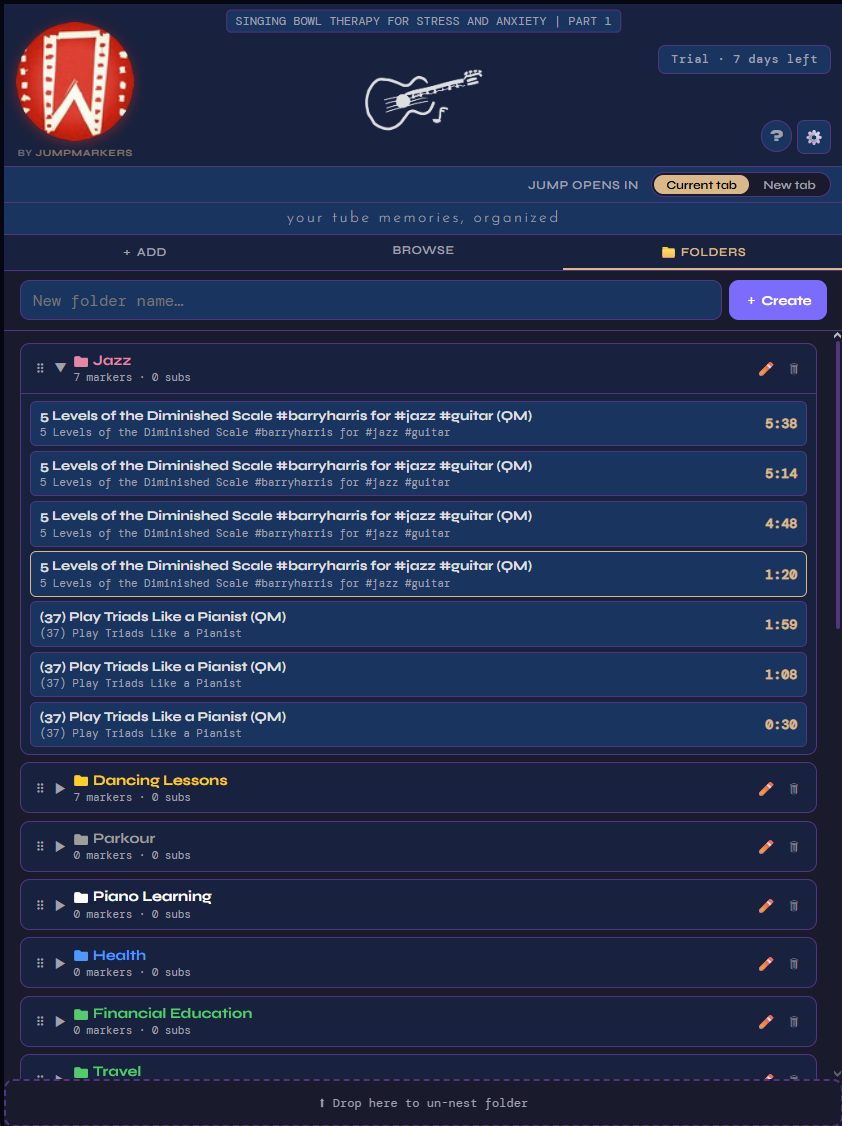
Folders & Subtopics

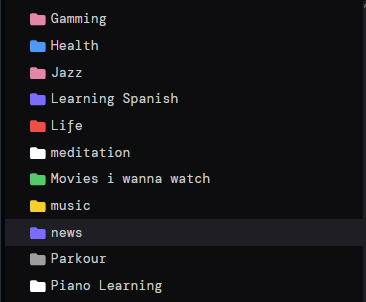
Organize into nested folders, subtopics and tags. Drag & drop to reorder. Multi-select with Ctrl+click for bulk actions.

Folders list

Global Hotkeys

Q, A, S work on any browser tab — no need to switch to YouTube. The extension finds your active video and acts on it instantly.

📍

Timeline Indicators

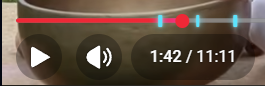
Every marker shows as a cyan line on YouTube's progress bar. Hover for the name, click to seek instantly.

Timeline markers on YouTube progress bar
🔍

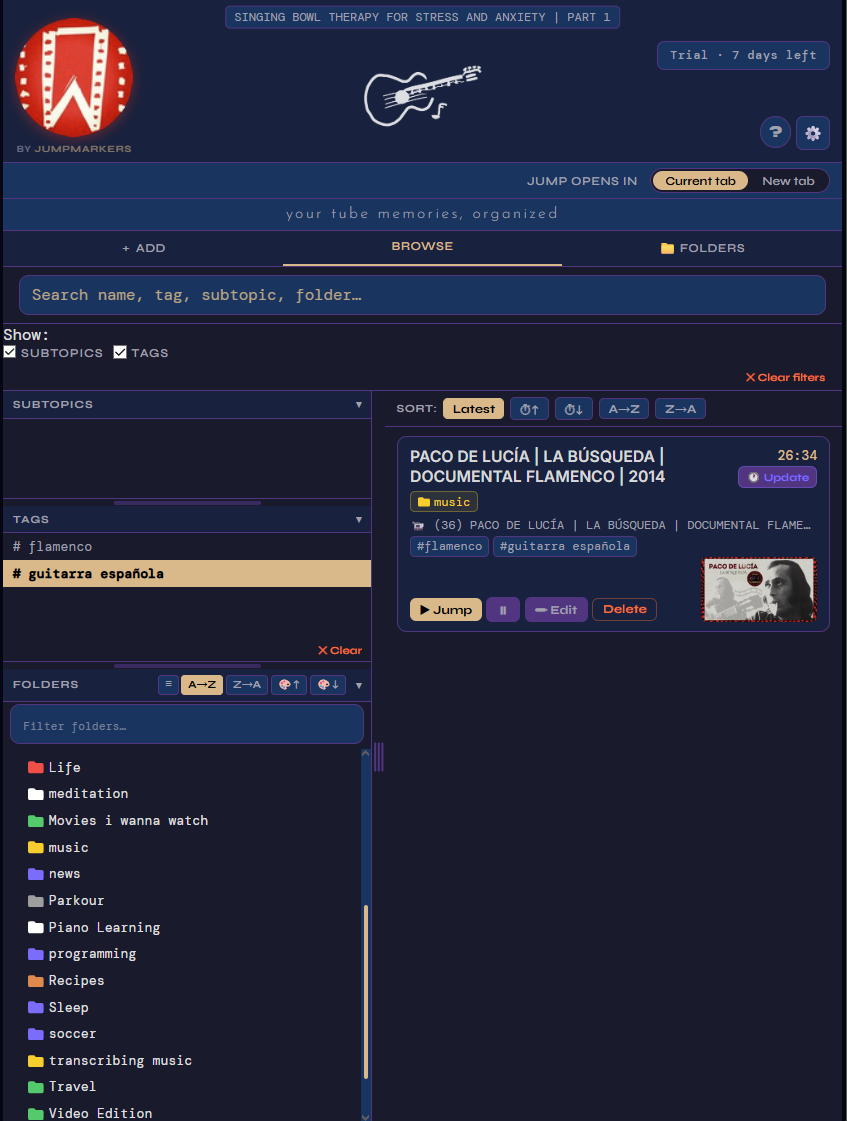
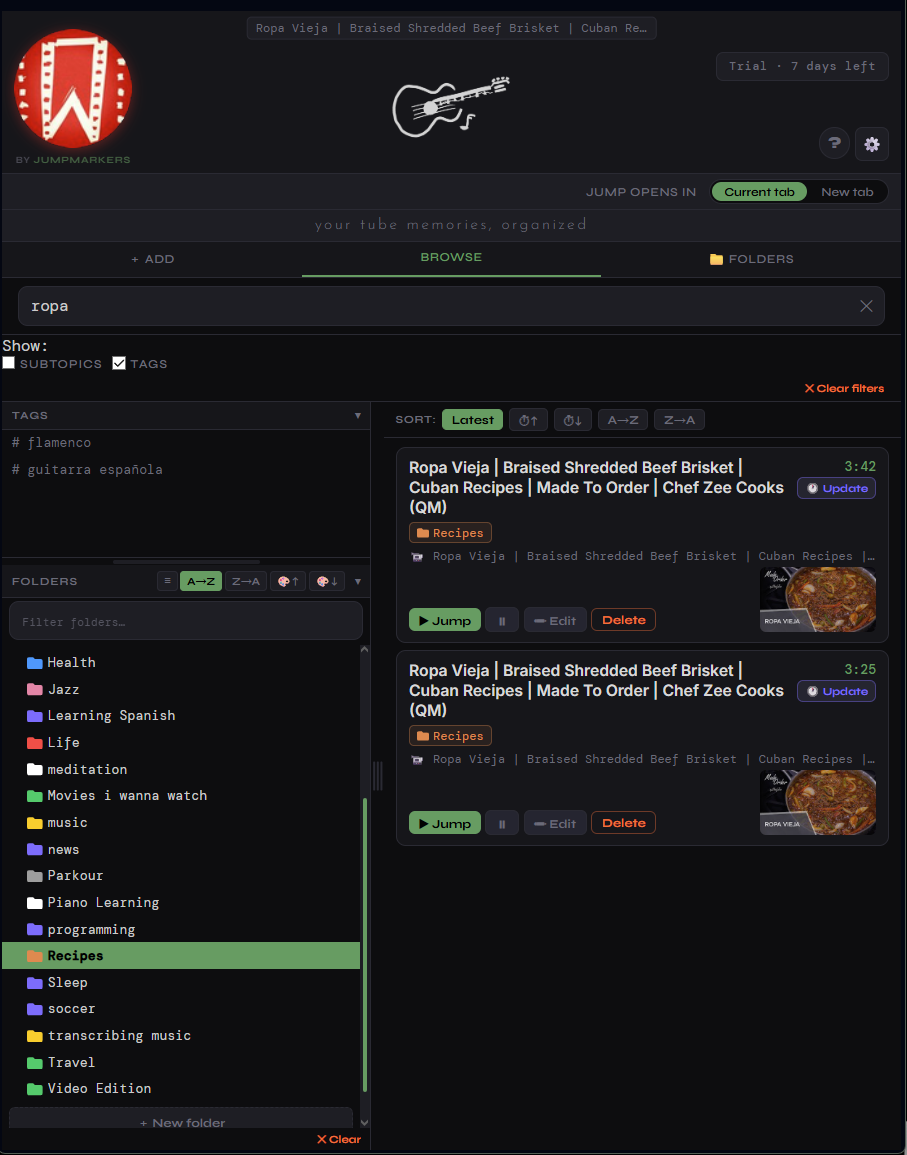
Powerful Filtering

Search by name, tag, subtopic or folder. Combine multiple filters. Sort by time, A→Z, or creation date. The sidebar stays always visible.

Search bar
📋

Copy Transcript

One click to extract the full video transcript with timestamps to your clipboard — perfect for notes, summaries and AI prompts.

Copy Transcript button
🎬

Playback Controls

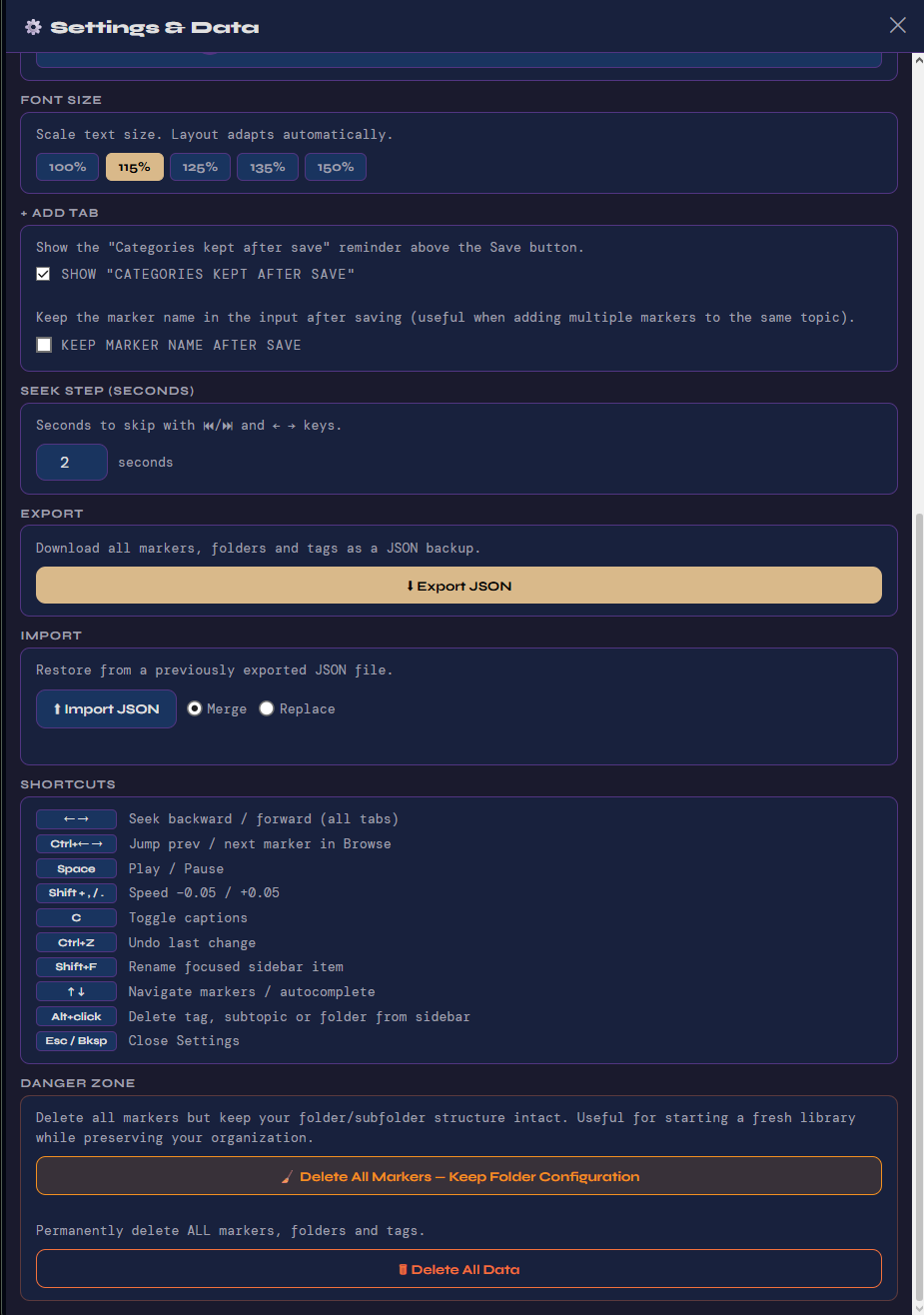
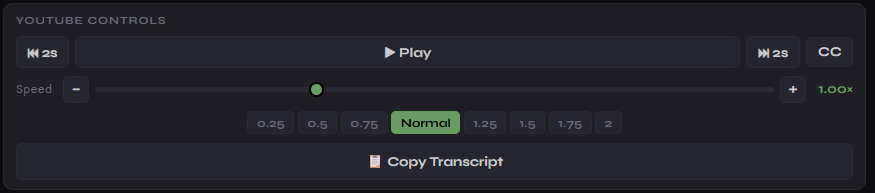
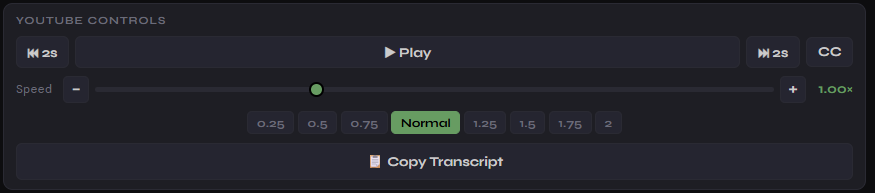
Play/pause, seek ±N seconds, change speed — all from the popup. Configure your own seek step in Settings. Never leave the extension.

Playback controls
📱

YouTube Shorts

Mark and organize YouTube Shorts just like regular videos. Premium feature — included in the $5 lifetime plan.

Three steps to never
lose a moment again.

Works on top of YouTube — no account, no login, no upload. Your data stays on your device.

01 — CAPTURE

Press Q on any video

JumpMarkers saves the exact timestamp. Named automatically. Works from any browser tab — YouTube doesn't even need to be in focus.

02 — ORGANIZE

Assign folders & tags

Use sticky settings to auto-tag every marker. Or open Browse and drag markers into folders. Multi-select for bulk moves.

03 — NAVIGATE

Jump with A and S

Navigate between markers in the active video using hotkeys. Or click any cyan line on the YouTube progress bar to seek instantly.

04 — REVIEW

Browse & search everything

Open the popup to see all markers across every video. Filter, sort, edit, export — in one compact always-on-top window.

Start free.
Own it forever.

No subscription. No recurring fees. Pay once, keep forever — including all future updates.

Free
$0
Includes a full 7-day Premium trial on install.
  • Up to 150 markers
  • Up to 3 folders
  • 50 subtopics · 30 tags
  • Global hotkeys (Q / A / S)
  • Timeline indicators
  • 4 themes included
  • YouTube Shorts markers
  • Custom theme editor
  • Unlimited markers & folders
Add to Chrome — Free

🔒 Secure payment via Lemon Squeezy · Instant license key delivery by email

Common questions.

Anything else? Write to jumpmarkers@gmail.com

Is my data stored in the cloud?
No. All markers and folders live in Chrome's local storage — on your device only. Nothing is sent to any server. Your data stays yours.
How do I activate my Premium license?
After purchase you receive a key by email in the format JM-PREMIUM-XXXX-XXXX. Open JumpMarkers → ⚙️ Settings → paste the key in the License field → Activate. Done instantly.
Does it work on YouTube Shorts?
Yes — YouTube Shorts markers are supported in the Premium plan. On the free plan you can still browse Shorts, but saving markers on Shorts requires Premium.
What happens to my data when the trial ends?
Nothing is deleted or hidden. All existing markers remain fully accessible. Only creating new content beyond the free limits is restricted. You can export everything from Settings at any time.
Which browsers are supported?
Chrome, Edge, Brave and any Chromium-based browser that supports Manifest V3 extensions. Firefox is not supported at this time.
Can I use my license on multiple computers?
Yes. Enter your license key in Settings on any browser. Your markers sync automatically if you're signed into Chrome sync.
Do future updates cost extra?
No. The $5 is a true lifetime license — all future features and updates are included at no extra cost, forever.