JumpMarkers logo

Never lose the good part.

Save any moment with one keystroke. Organize with folders, tags & subtopics. Navigate your markers without ever switching tabs.

⬇ Add to Chrome — Free View Premium → $5 lifetime
Q Quick marker
A Previous
S Next
Rain Sounds on Window · Heavy Rain for Sleep…
+ ADD
BROWSE
📁 FOLDERS
Current Time 6:47:32
MARKER NAME
Rain Sounds on Window — Heavy Rain for Sleep, Study…
FOLDERS
Type to search or create folder…
Save Marker
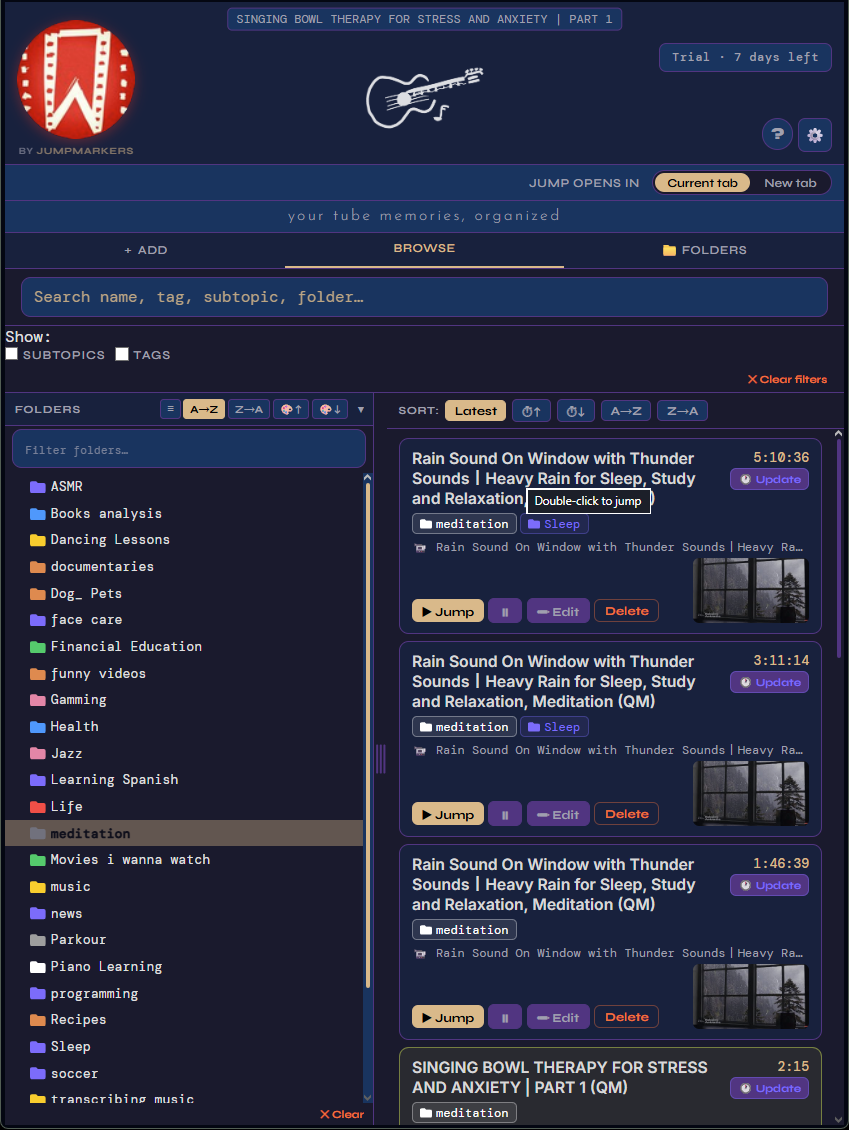
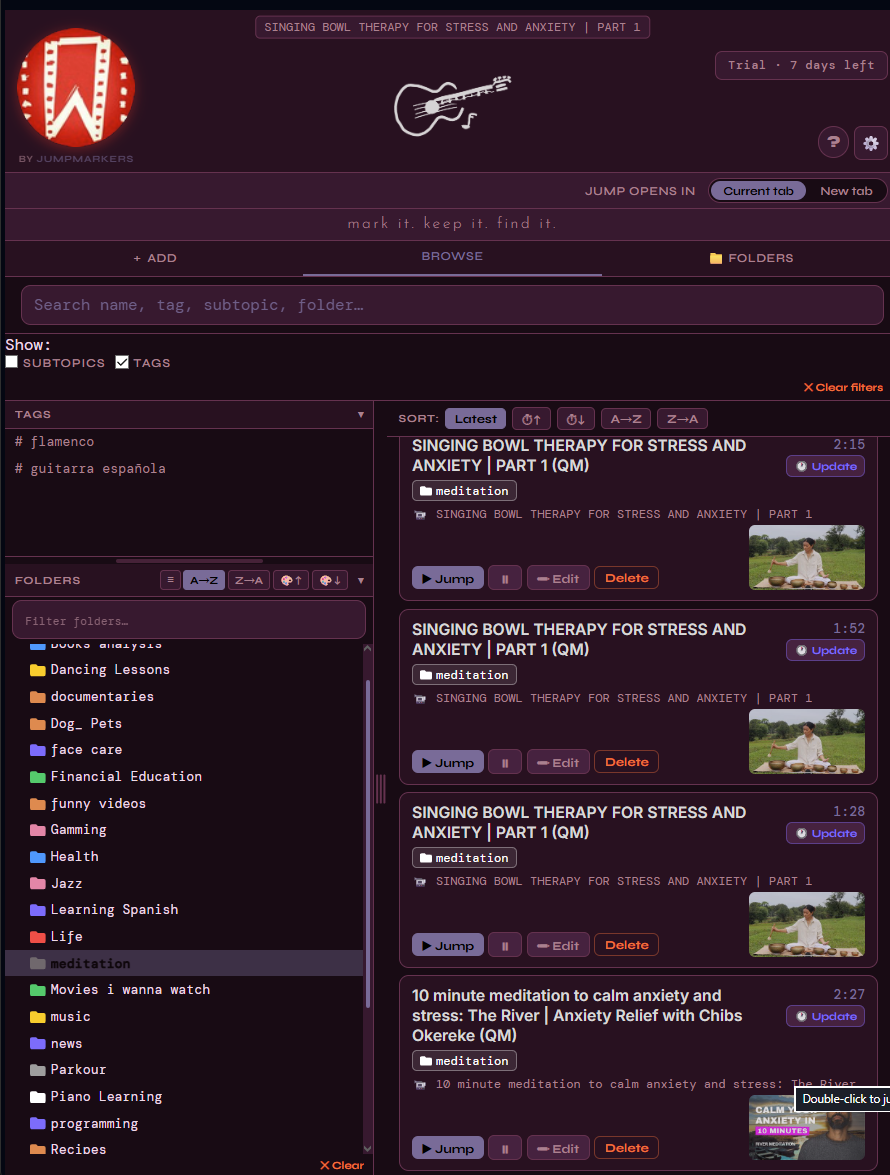
JumpMarkers Browse view JumpMarkers Folders view JumpMarkers Tags view JumpMarkers Settings JumpMarkers Search JumpMarkers Fancy theme JumpMarkers Browse view JumpMarkers Folders view JumpMarkers Tags view JumpMarkers Settings JumpMarkers Search JumpMarkers Fancy theme

Built for people who learn, research, and revisit content on YouTube every single day.

🔖

Instant Markers

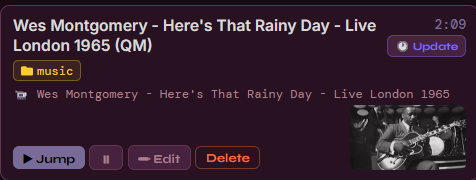
Press Q on any YouTube video to save the exact moment — auto-named from the video title, with your current tags and folder already applied.

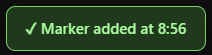
Instant marker card Marker added toast
📁

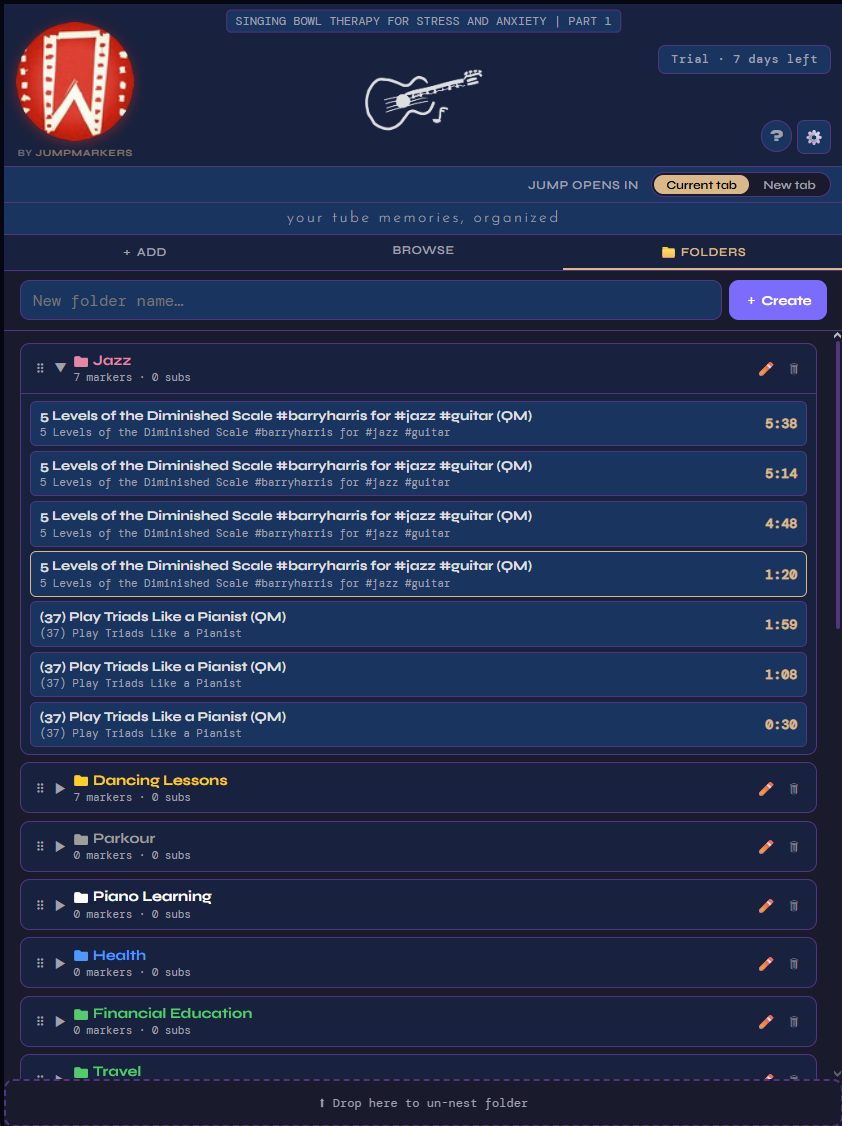
Folders & Subtopics

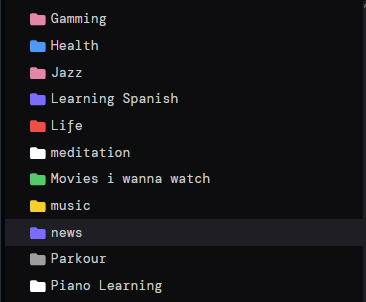
Organize into nested folders, subtopics and tags. Drag & drop to reorder. Multi-select with Ctrl+click for bulk actions.

Folders list

Global Hotkeys

Q, A, S work on any browser tab — no need to switch to YouTube. The extension finds your active video and acts on it instantly. Press E to toggle between normal speed and your last-used playback rate. Press O to loop between adjacent markers for intensive review.

📍

Timeline Indicators

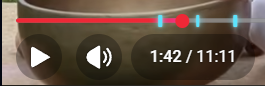
Every marker shows as a cyan line on YouTube's progress bar. Hover for the name, click to seek instantly.

Timeline markers on YouTube progress bar
🔍

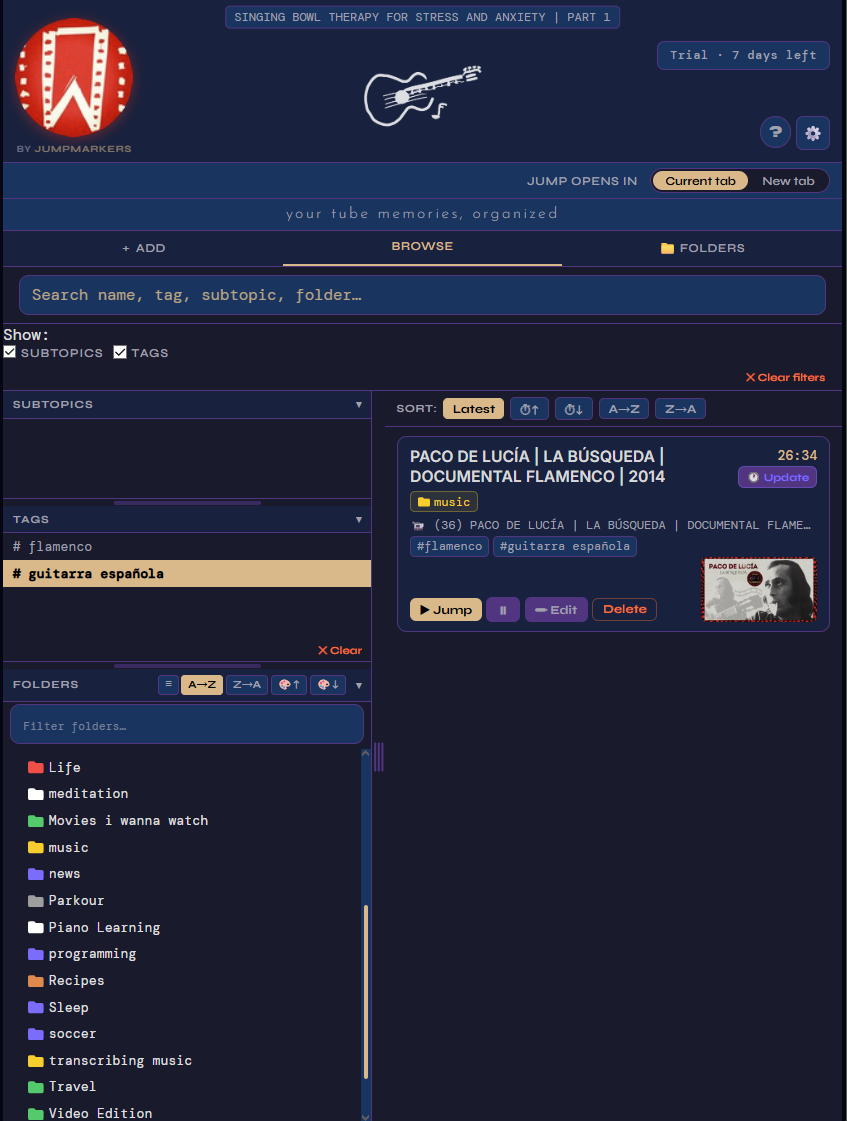
Powerful Filtering

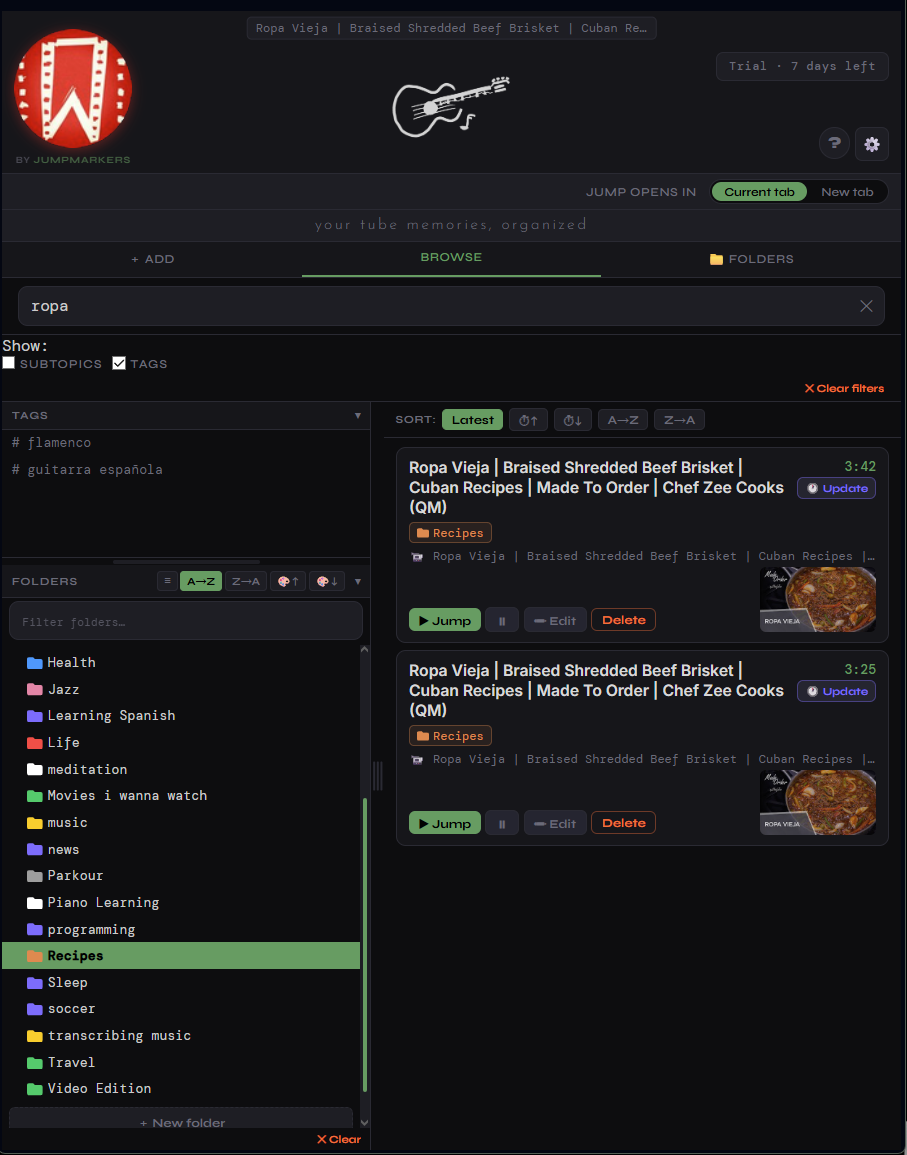
Search by name, tag, subtopic or folder. Combine multiple filters. Sort by time, A→Z, or creation date. The sidebar stays always visible.

Search bar
📋

Copy Transcript

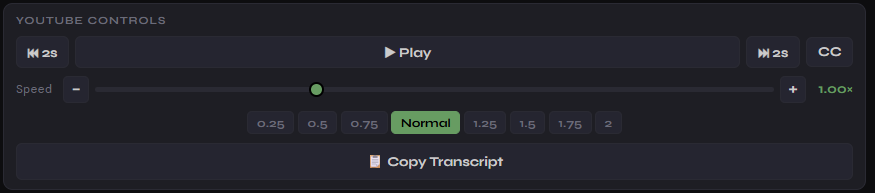
One click to extract the full video transcript with timestamps to your clipboard — perfect for notes, summaries and AI prompts.

Copy Transcript button
🎬

Playback Controls

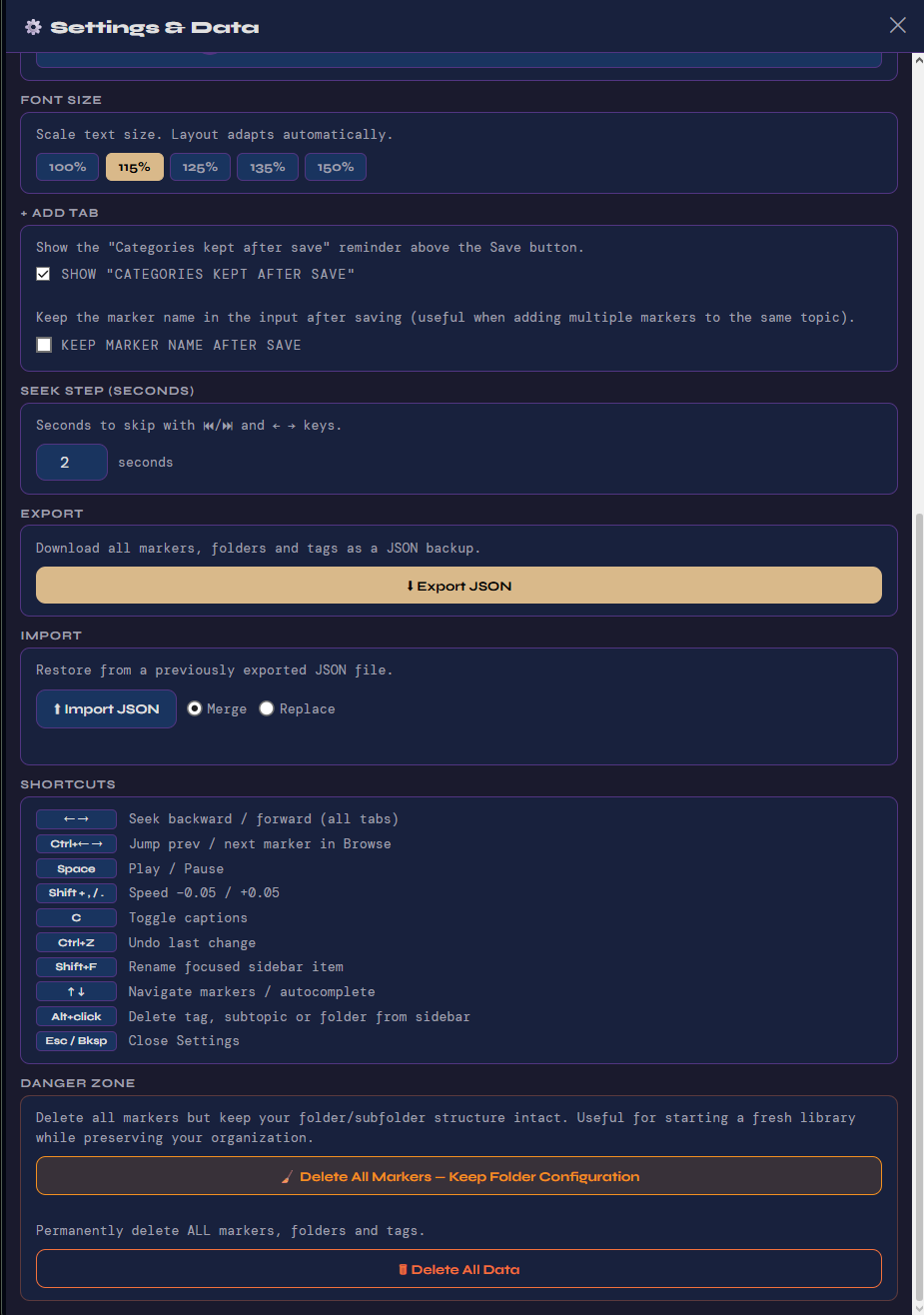
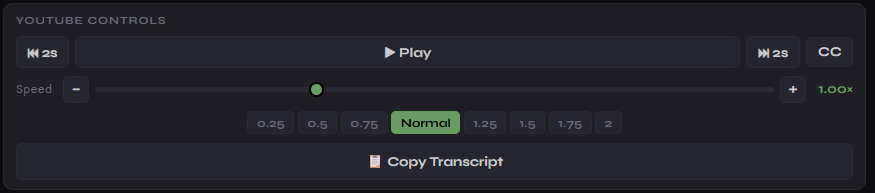
Play/pause, seek ±N seconds, change speed — all from the popup. Configure your own seek step in Settings. Never leave the extension.

Playback controls
🎞️

Segment Playback

Enable Segment mode in Settings and the video automatically pauses at each next marker — so you control the pace. Press play to continue to the following segment. Ideal for studying video lessons step by step.

🔁

Marker Loop

Press O to instantly loop between your surrounding markers. The video replays that segment endlessly — perfect for drilling a technique, studying a passage, or transcribing audio. Press O again to exit.

📱

YouTube Shorts

Mark and organize YouTube Shorts just like regular videos. Premium feature — included in the $5 lifetime plan.

Three steps to never
lose a moment again.

Works on top of YouTube — no account, no login, no upload. Your data stays on your device.

01 — CAPTURE

Press Q on any video

JumpMarkers saves the exact timestamp. Named automatically. Works from any browser tab — YouTube doesn't even need to be in focus.

02 — ORGANIZE

Assign folders & tags

Use sticky settings to auto-tag every marker. Or open Browse and drag markers into folders. Multi-select for bulk moves.

03 — NAVIGATE

Jump with A and S

Navigate between markers in the active video using hotkeys. Or click any cyan line on the YouTube progress bar to seek instantly.

04 — REVIEW

Browse & search everything

Open the popup to see all markers across every video. Filter, sort, edit, export — in one compact always-on-top window.

Start free.
Own it forever.

No subscription. No recurring fees. Pay once, keep forever — including all future updates.

Free
$0
Includes a full 7-day Premium trial on install.
  • Up to 150 markers
  • Up to 5 folders
  • 50 subtopics · 30 tags
  • Global hotkeys (Q / A / S)
  • Timeline indicators
  • 4 themes included
  • YouTube Shorts markers
  • Custom theme editor
  • Unlimited markers & folders
Add to Chrome — Free

🔒 Secure payment via Lemon Squeezy · Instant license key delivery by email

Common questions.

Anything else? Write to jumpmarkers@gmail.com

Is my data stored in the cloud?
No. All markers and folders live in Chrome's local storage — on your device only. Nothing is sent to any server. Your data stays yours.
How do I activate my Premium license?
After purchase you receive a license key by email. Open JumpMarkers → ⚙️ Settings → paste the key in the License field → Activate. Done instantly.
Does it work on YouTube Shorts?
Yes — YouTube Shorts markers are supported in the Premium plan. On the free plan you can still browse Shorts, but saving markers on Shorts requires Premium.
What happens to my data when the trial ends?
Nothing is deleted or hidden. All existing markers remain fully accessible. Only creating new content beyond the free limits is restricted. You can export everything from Settings at any time.
Which browsers are supported?
Chrome, Edge, Brave and any Chromium-based browser that supports Manifest V3 extensions. Firefox is not supported at this time.
Free Tools

Tools by JumpMarkers

Useful apps, free forever. No account needed.

🎵
Chromatic Harmonica
Scales & Arpeggios
Interactive reference for the chromatic harmonica — visualize scales, modes and arpeggios across 8, 12 or 16 holes. Click any note to hear it. Supports custom scales and keyboard playback.
Free Music Harmonica ES / EN
Open Tool →
🎸
Guitar Fretboard
Visualizer
Visualize scales and patterns across the neck. 7-degree color system with tonic detection (Ctrl+click). Show/hide individual notes. Multiple fretboards, range slider, Shift+scroll zoom, custom labels and named presets. PDF export included.
Free Music Guitar EN
Open Tool →
🔄
Guitar Looper
Record, layer and loop right in your browser. Mic input with device selector, metronome, configurable countdown, multiple layers with mute/solo/volume, keyboard & MIDI pedal support, and WAV/AAC export. No install needed.
Free Music Guitar EN
Open Tool →
🥁
Metronome
Precise Web Audio metronome. Custom time signatures (2/4 to 7/8), up to 10 subdivisions per beat, clickable accent & rest patterns, 3-channel mixer with sub pan, 4 presets, tap tempo, 4 sounds. No ads, no account.
Free Music Rhythm EN
Open Tool →
Also by JumpMarkers

More Chrome Extensions

Other tools we've built for YouTube power users.

Playlist Organizer
Playlist Organizer
Move videos between playlists, find duplicates, merge similar lists and search across your entire YouTube library — all from a Chrome extension.
Chrome Extension YouTube Free trial
See extension →
Under construction